How to Access the Insights Dashboards in techTRACK [Step-by-Step Guide]
Last updated: September 29, 2026
The Insights section in techTRACK provides powerful, interactive dashboards for shipment tracking and delivery performance. This article shows you how to access them.


To access a dashboard, click the desired dashboard name under the Insights section in the left menu.
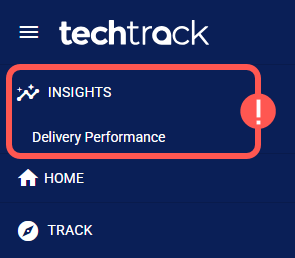
Once you access a dashboard, you can start analyzing your data. For guidance, see:
- Insights Dashboards Master List [Guides List], which provides an overview of all available dashboards and their main purpose.
- How to Use the Insights Dashboards [Guide], which explains how to filter, view details, and export data.