How to Edit a User of an Account [Step-by-step guide]
Last updated: September 29, 2026
This article details how to edit users under the hierarchy of an account.

To edit users of an account:
1. Click Organizations from the left menu under the System Configuration section.
2. Press View for organization to which the account belongs.

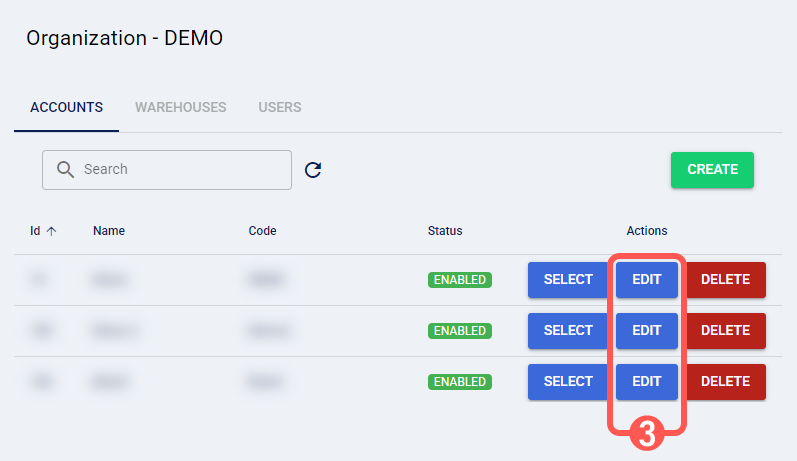
3. Press Edit for the desired account.
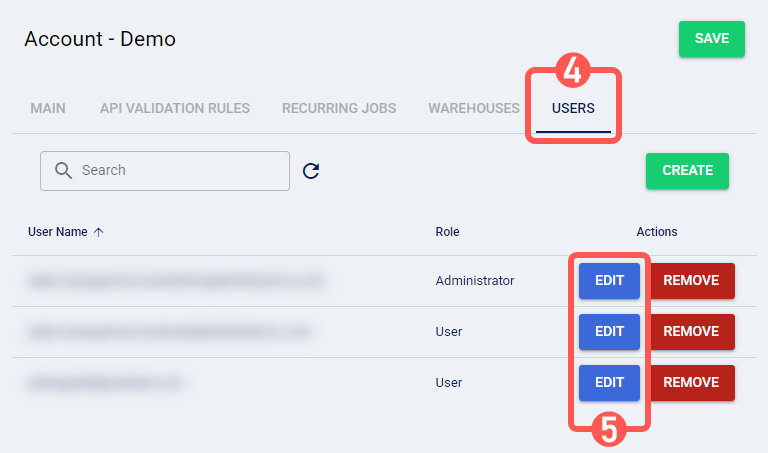
4. Click on the Users tab.
5. Press Edit for the desired user.
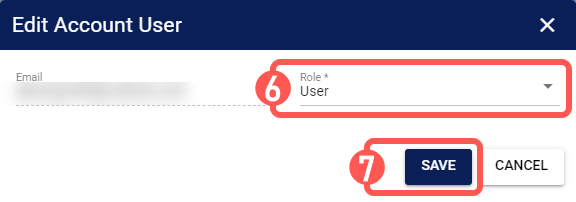
6. Select the user's role to define access and permissions.

7. Press Save to apply the changes.