How to delete invoice in techAUDIT [Step-by-Step guide]
Last updated: September 29, 2026
You can delete an invoice regardless of whether there are differences between the estimated and the actual charges.

To delete an invoice:
1. Select Invoices from the left menu under the Audit section.
2. Use the available filters to refine the invoice list.
3. Press DELETE for the desired invoice.


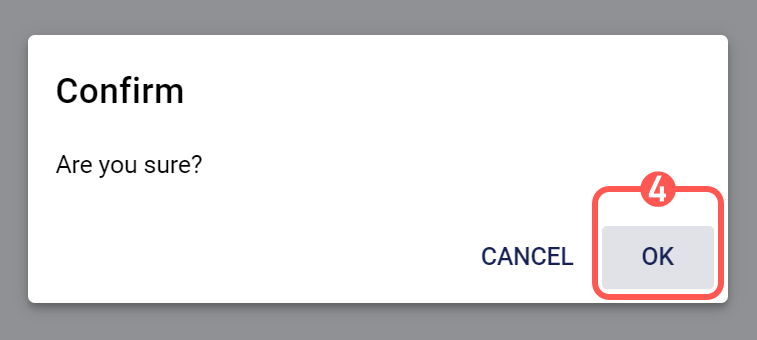
4. Press OK in the confirmation popup to permanently delete the invoice.