How to Authorize Amazon Seller Central as a Sales Channel [Step-by-step guide]
Last updated: September 29, 2026
To fully set up and connect Amazon Seller Central as a Sales Channel, you will have to, first, Authorize the account.


To begin the process, you will have to:
1. Click Channels under Sales Channels
2. Click the Name of the connection you need authorized

3. Select your account's Region and Marketplace from the dropdowns
4. Click Save for techOMS to store the values
5. Click Registration

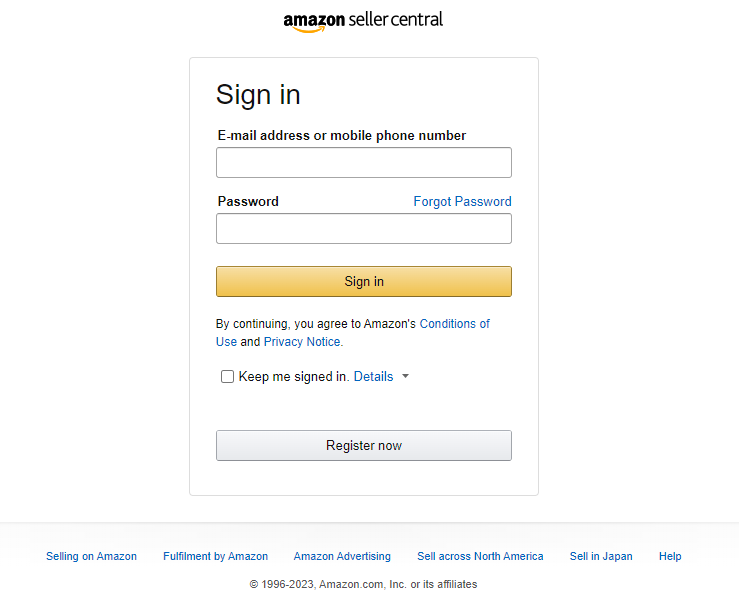
6. You will be redirected to Amazon; Login with your credentials and follow the process as indicated by Amazon
If the registration is successful, you will be redirected to techOMS and you can keep up with the remaining elements of the setup process.