How to Create a Product manually [Step-by-step guide]
Last updated: September 29, 2026
While the most effective way to add products to techOMS is to Import, it still allows you to create products manually.

Otherwise, be aware that changes made here:
- Will propagate to your non-master channels.
- Will not sync back to your designated Master Product Channel.
Proceed with caution. For details, see: Understanding the techOMS Master Product Source [Information].


To create a product you will have to:
1. Click Products under Inventory
2. Click Create to deploy the fields for creation

3. Complete the fields accordingly
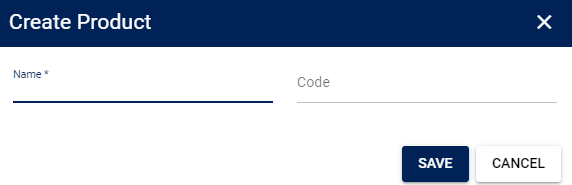
4. Press Save to apply the changes